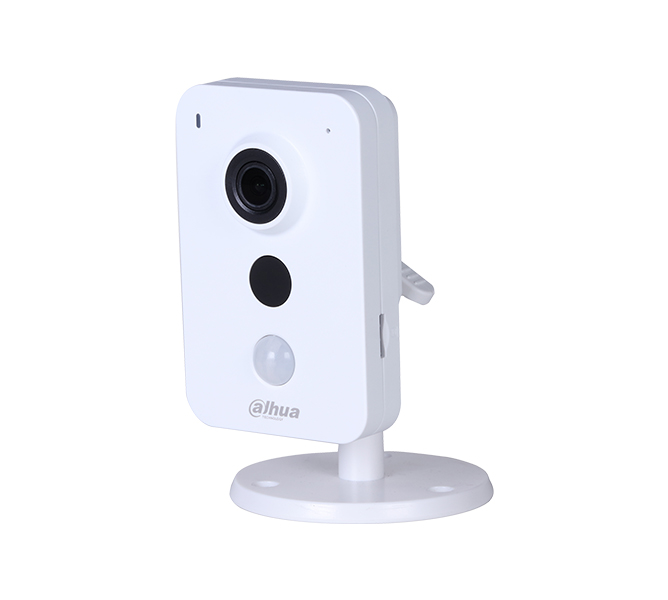
Watches the nursery in Full HD and carries audio both ways.
A wireless baby camera. Its 2 MP sensor and dual axis Pan Tilt body sweep the whole room, and it switches to infrared lighting in the dark. The TuyaSmart app connects the camera to the home network and brings recordings to the phone.
2 MPResolution
1920x1080Max. Resolution
4 mmFocal Length
10 mIR LED Distance
H.264Video Compression
128 GBSD Card
Key features
1920x1080Full HD
Sharp image
The 2 MP sensor holds room detail in a Full HD frame.
10m
Night vision
Infrared lighting covers the room up to 10 meters once the lights go out.
360degrees
Dual axis movement
Dual Pan Tilt motors turn the camera horizontally and vertically and track moving objects.
128GB
Recording storage
A microSD card and Tuya cloud storage keep the recordings.
2.4GHz
Wireless link
The camera uses an 802.11 b/g/n Wi-Fi network.
H.264codec
Recording size
H.264 compression lowers the space a recording takes on the card and in the cloud.
EVERYDAY USETwo way audioThe built-in microphone and speaker carry room audio, and a family member answers through the camera.
Alerts on motionThe motion detection alarm sends a notification and the speaker alarm sounds a warning in the room.
Smart home integrationGoogle Home and Amazon Alexa links manage the camera through a voice assistant.
ApplicationsBaby and child room·Home security·Smart home systems
The camera does not support 5 GHz Wi-Fi networks; setup runs on a 2.4 GHz network.