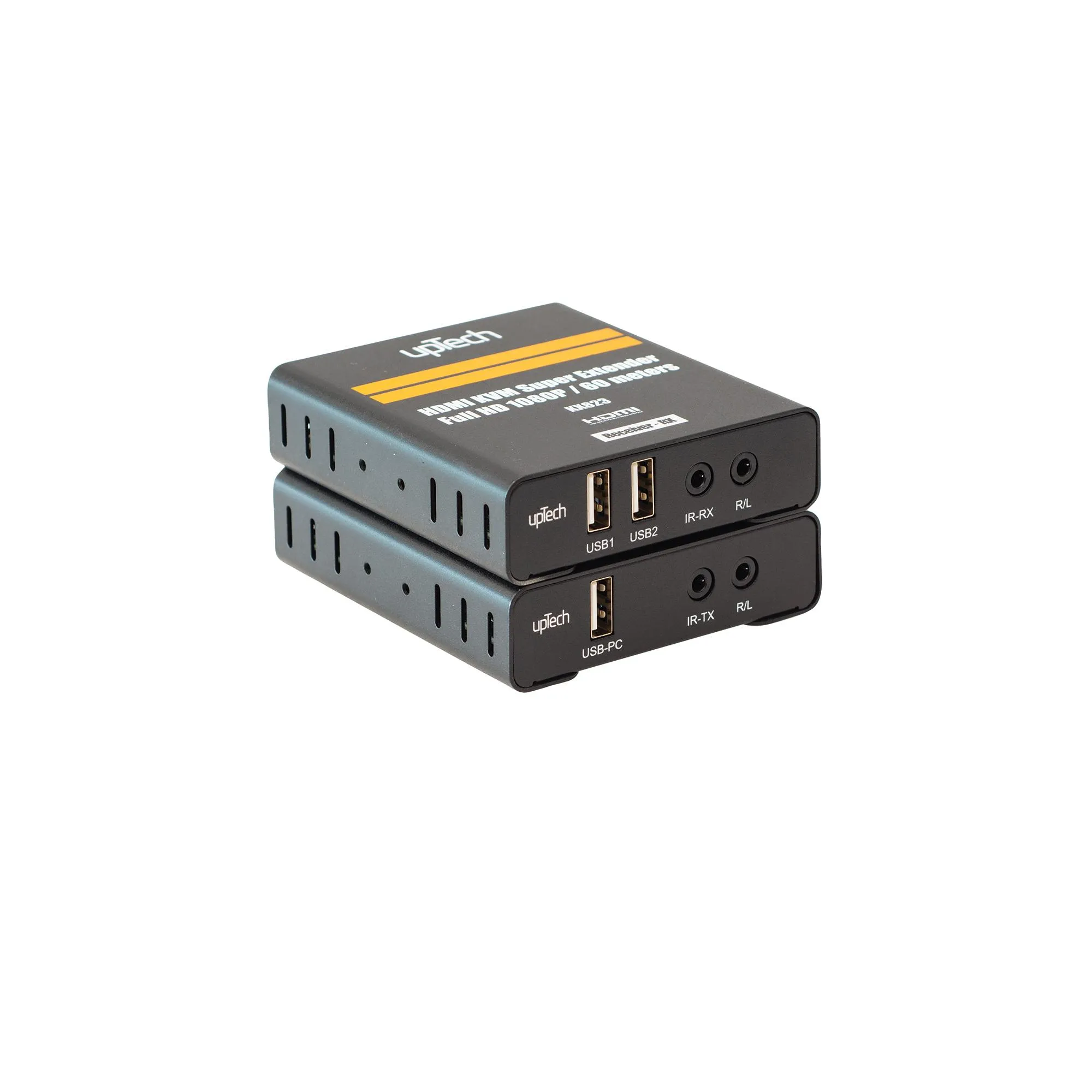
Carries 4K HDMI video and the console 120 meters.
A KVM extender that moves an HDMI source to a distant display. It uses a single CAT5e or CAT6 cable instead of a long HDMI run, so video, audio, keyboard and mouse travel up to 120 meters on the same line.
HDMIVideo interface
USBKeyboard and mouse interface
120 mTransmission distance
4KImage Quality
CAT5e / CAT6Transmission medium
340 MHzMax. bandwidth
Key features
120m
Long-distance transmission
A single CAT5e or CAT6 cable carries HDMI video to the far display.
4Kresolution
High-resolution sources
Shows HDMI 1.4 and HDCP 1.4 compliant sources at the far end.
340MHz
Wide bandwidth
Carries the high-resolution video signal with wide bandwidth.
USBinterface
Keyboard, mouse and touchscreen
USB ports on the receiver connect a keyboard, a mouse and a touchscreen to the source.
3.5mm
Audio output
The transmitter and the receiver each provide left and right audio output.
IN DAILY USEPowerThe transmitter and the receiver each draw power from a 5V adapter.
Remote controlIR control drives the source device from the far end with a remote.
Low power drawRuns at low temperature and suits installations that stay powered on.
HDMI cables on the source and display sides should not exceed 10 meters; the CAT5e or CAT6 line carries the 120 meter distance.