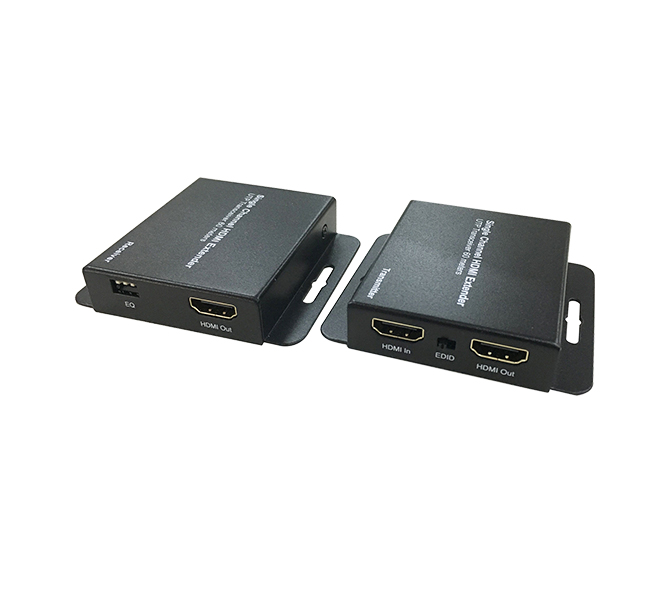
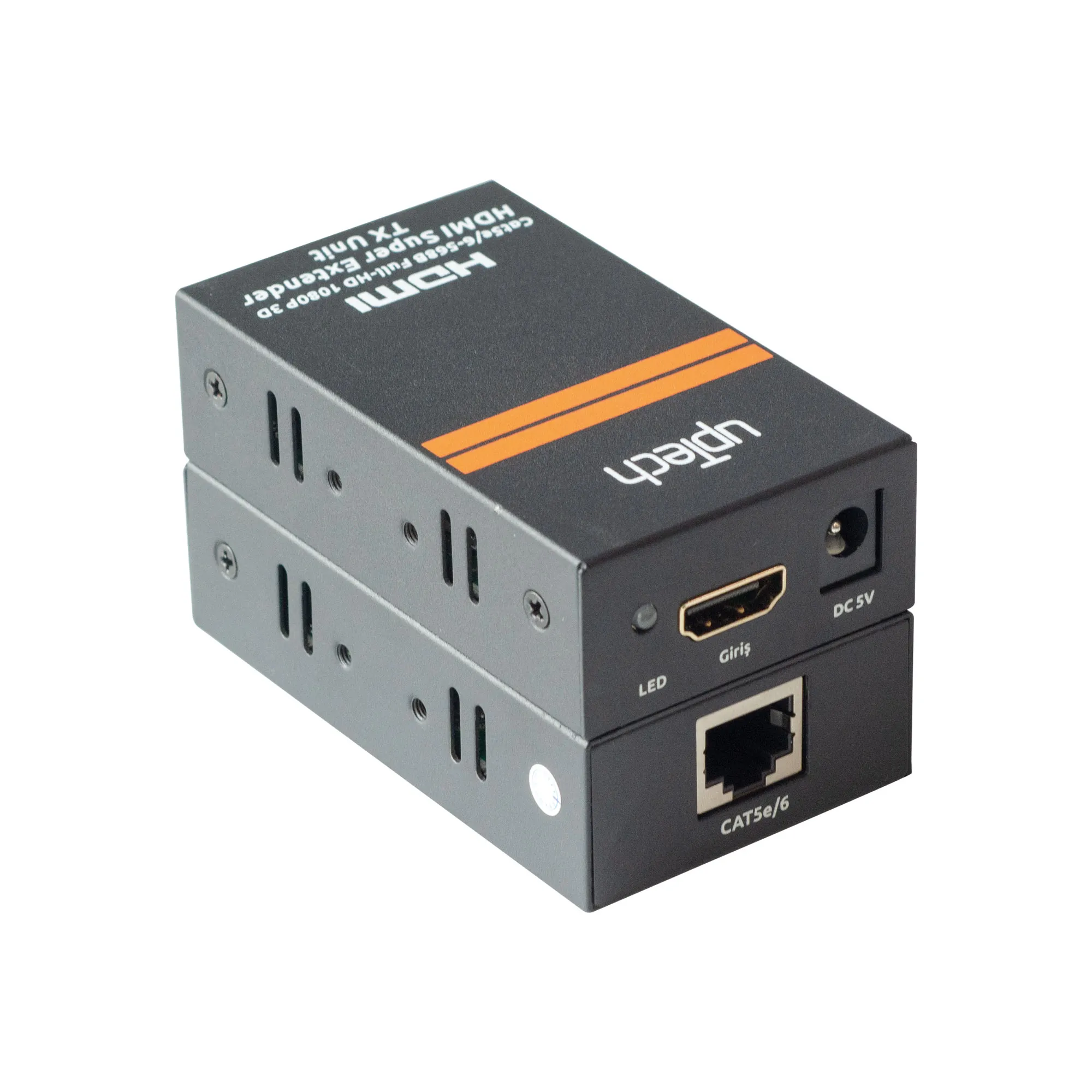
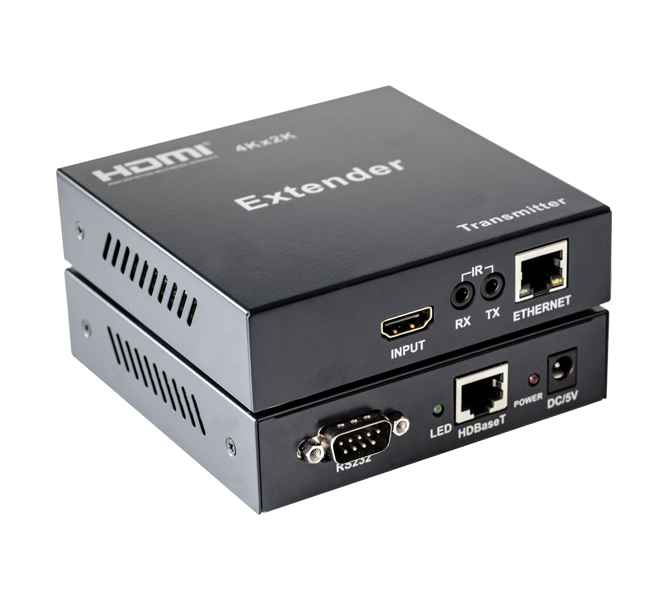
Carries video 120 meters away over a single CAT6 cable.
An extender made of a transmitter and a receiver unit for distances an HDMI cable cannot cover. It uses a single CAT5e or CAT6 cable between the source and the display and carries video up to 120 meters.
120m
Long-distance transmission
A single CAT5e or CAT6 cable carries video up to 120 meters between the transmitter and the receiver.
340MHz
Wide bandwidth
The baud rate reaches 3 x 3.4 Gbps and the bandwidth reaches 340 MHz.
EDID1080p / 4K
Resolution choice on one button
The EDID button switches between 1080p and 4K; 4K stays the default when the unit powers up.
350mA
Low power draw
The transmitter draws at most 350 mA and the receiver at most 200 mA, and both run at low temperature.
81x47x22mm
Small housing
The transmitter weighs 102 grams and the receiver 103 grams.