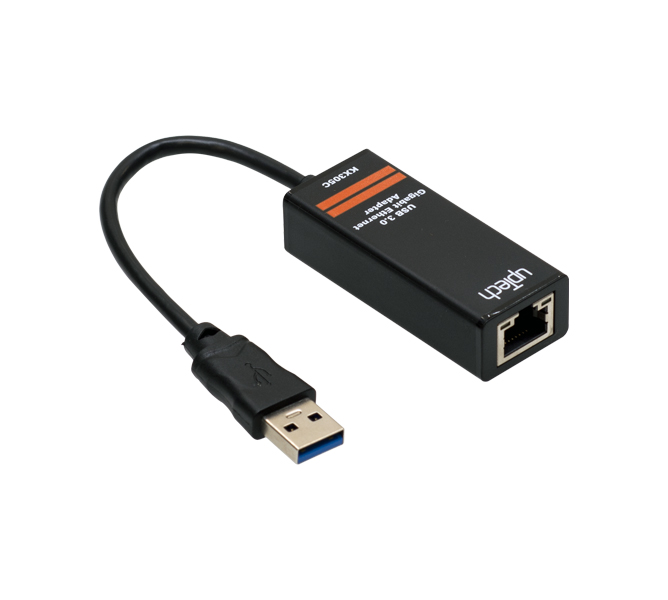
Adds a wired Ethernet connection to a computer without a network port.
The USB 2.0 Ethernet adapter turns a USB port into an RJ45 network port and brings laptops, ultrabooks or desktop computers without a built-in network card onto a wired network. It also works as a second port alongside an existing network card.
Ethernet conversionConverts the USB 2.0 interface into a 10/100 Mbps Ethernet connection.
Female RJ45 and auto MDIXCarries a female RJ45 connector and supports automatic MDIX.
Duplex supportSupports both full-duplex and half-duplex transmission.
LED indicatorsReports link and data transmission status on its LED indicators.
PowerDraws power from the USB port and needs no external adapter.
Operating system supportWorks with Win XP, Win 7, Win 8, MacOS and Linux, and needs no driver on Win 10.