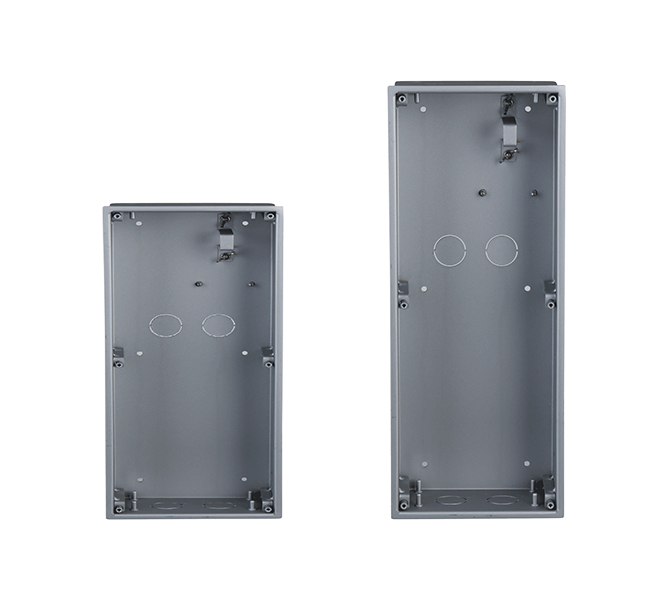
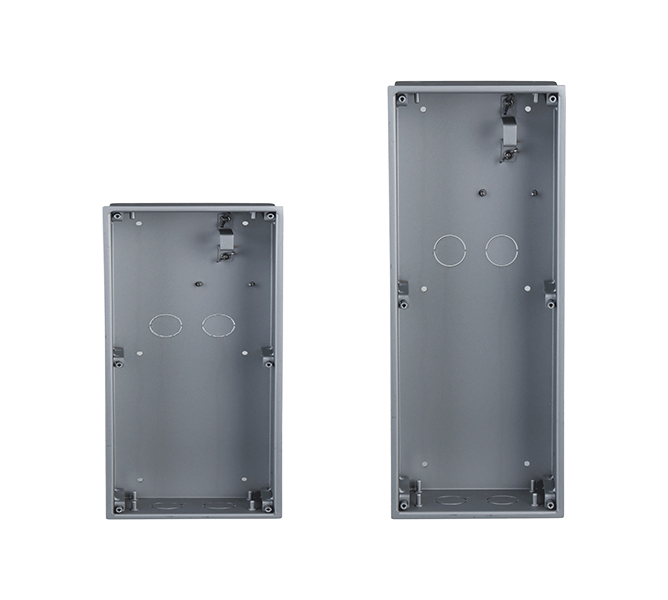
Stock Code: VTM114
| General | |
|---|---|
| Model | VTM114 |
| Compatible Model | VTO2202F-P |
| Material | ADC12 |
| Dimensions (mm [inch]) | |
| Dimensions (Front) | 128.9 mm × 162.9 mm × 34.5 mm (5.08" × 6.42" × 1.36") |
| Dimensions (Rear) | 123.0 mm × 157.0 mm × 35.0 mm (4.84" × 6.18" × 1.38") |
| Wall Opening Dimensions | > 113.0 mm × 149.0 mm × 35.0 mm (4.45" × 5.87" × 1.38") ; < 123.0 mm × 157.0 mm × 35.0 mm (4.84" × 6.18" × 1.38") |
| Installation | |
| Step 1 | Install the mounting box rear cover in the wall. |
| Step 2 | Install the VTO on the mounting box front cover. |
| Step 3 | Fix the VTO to the mounting box front cover by screwing two M3×8 screws into the VTO from the bottom of the mounting box front cover. |
| Step 4 | Put the mounting box front cover (with the VTO) into the mounting box rear cover. |
| Step 5 | Put waterproof rings on the M3×8 screws. |
| Step 6 | Screw four M3×8 screws (with waterproof rings) into the mounting box front cover. |