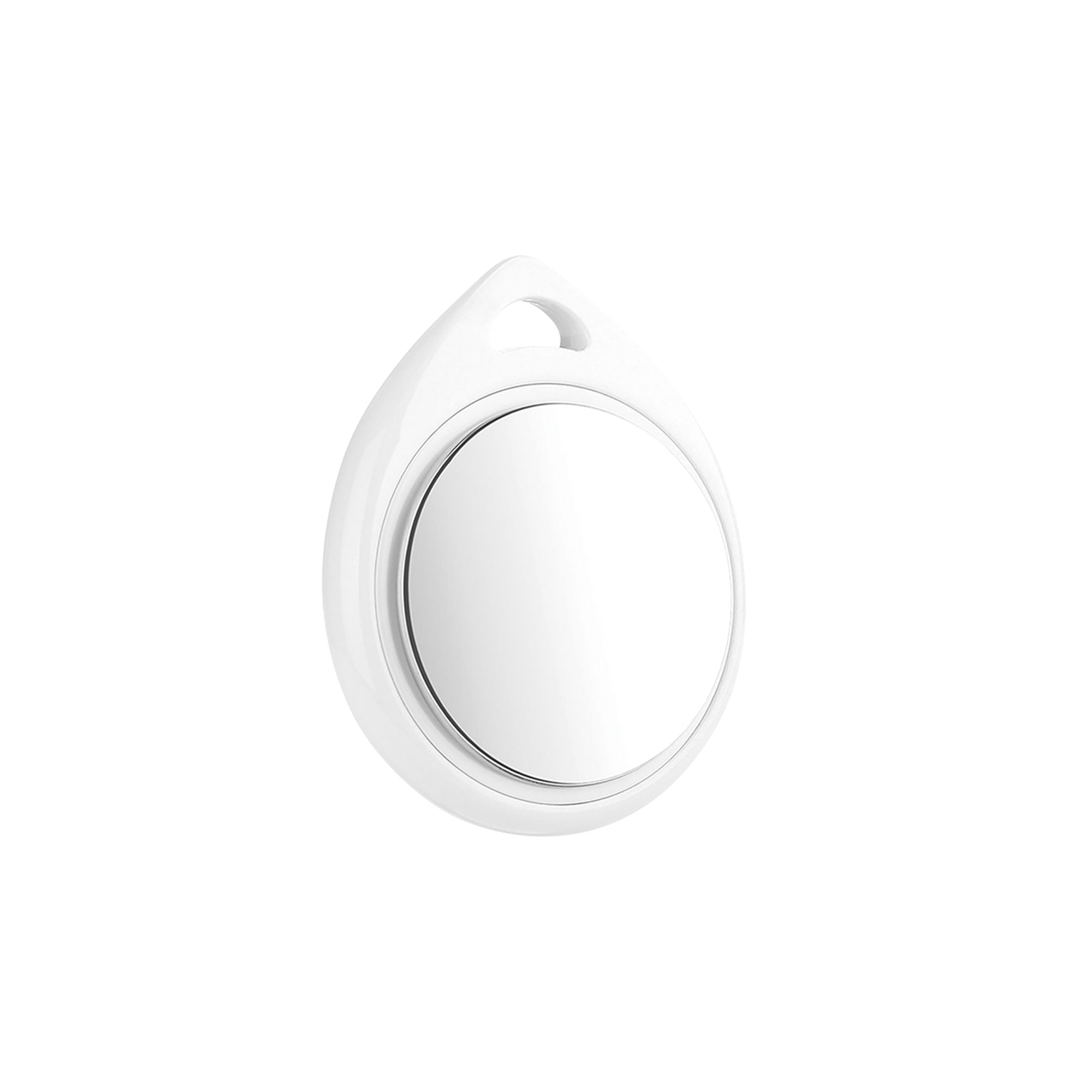
Shows where items sit, from keys to luggage, through the Apple Find My network.
An Apple MFi certified Bluetooth location tracking tag. Once attached to an item, it reports its position to the Apple Find My network. The Find My app on an iPhone lists the tag on the map and plays an audible alert when it is nearby.
CR2032Battery type
12 monthsBattery life
11 gWeight
iOS 14.5Minimum version
Apple MFiCertification
Key features
12months
Long battery life
A CR2032 coin cell runs for 12 months with no replacement.
11g
Lightweight body
The 11 g body adds no burden to a keyring or a collar.
36mm
Slim square body
The 36 mm wide body slips easily into a wallet or a bag.
iOS 14.5or later
Broad device support
Pairs with iPhone, iPad and iPod Touch models running iOS 14.5 or later.
MFiApple
Licensed hardware
Built under the Apple MFi program and joins the Find My network directly.
DAILY USESimple pairingThe Add Other Item step in the Find My app completes pairing after a long press on the tag button.
Audible searchThe tag emits a sound for items lost inside the home and shortens the search.
Global coverageNearby Apple devices relay the location and mark the tag on the map.
Usage AreasPersonal belongings·Pet collars·Cars and motorcycles·Luggage and bags·Keyrings
If the tag stays next to the same iPhone at all times, Apple limits how often that device reports the location for security reasons; the location updates more often near other Apple devices.