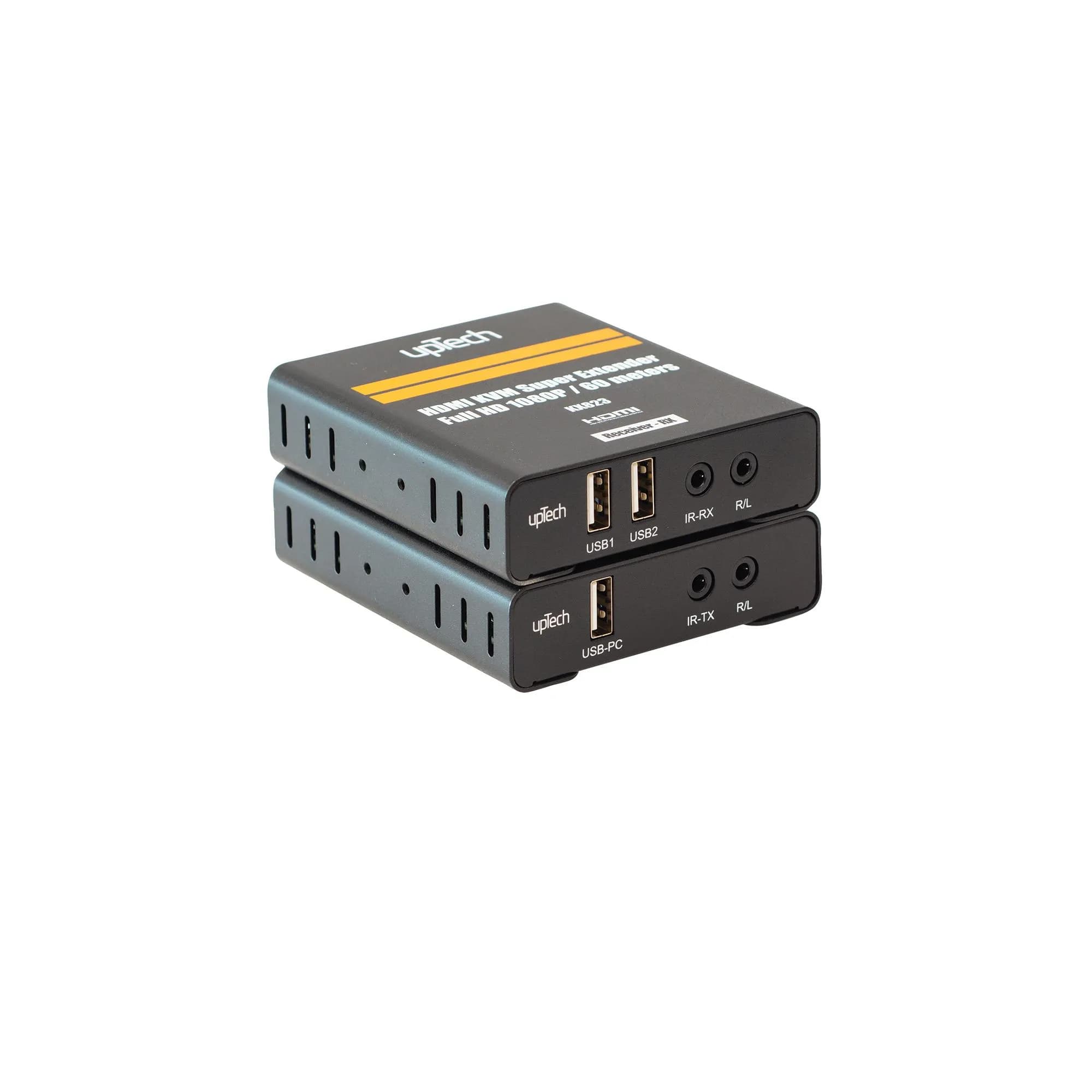
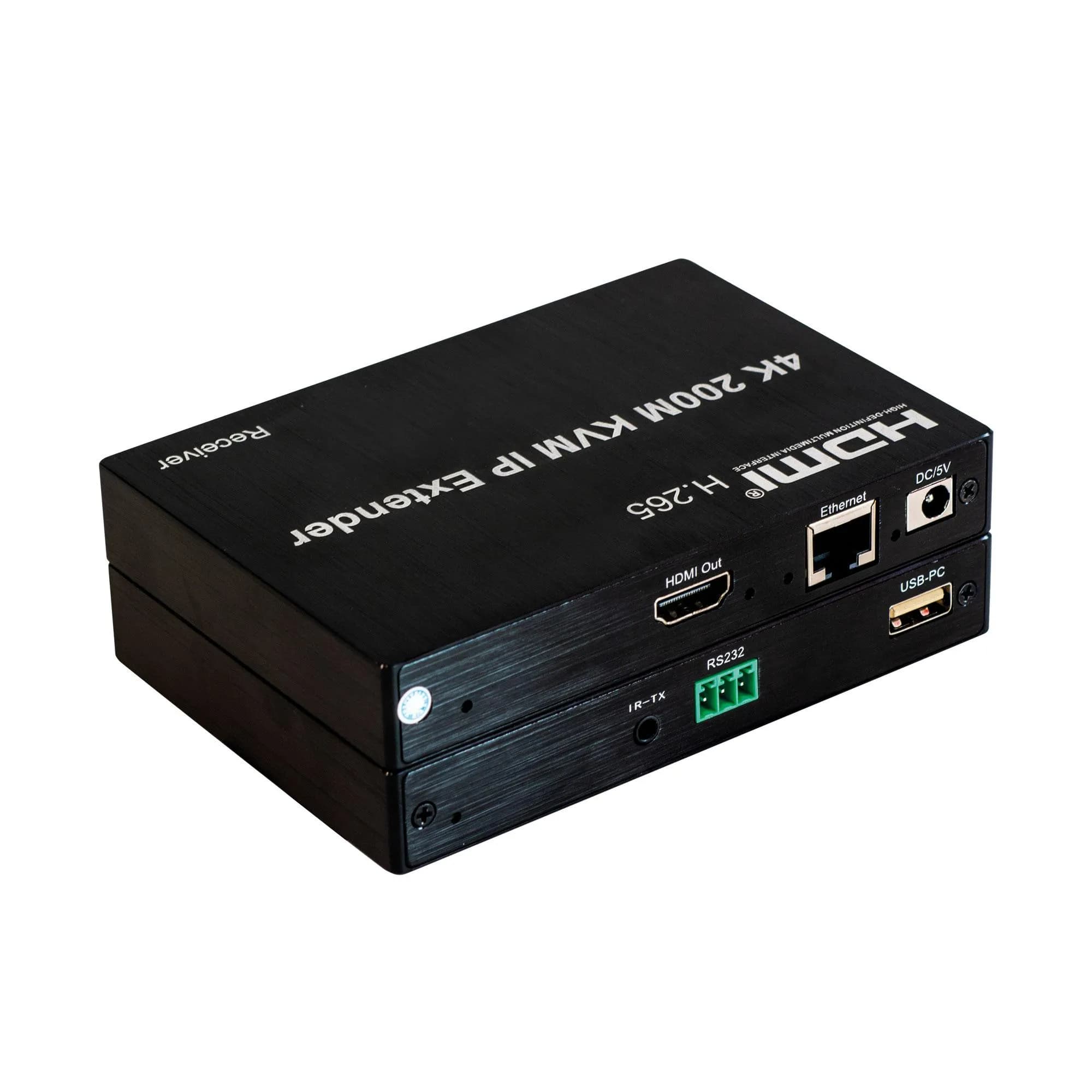
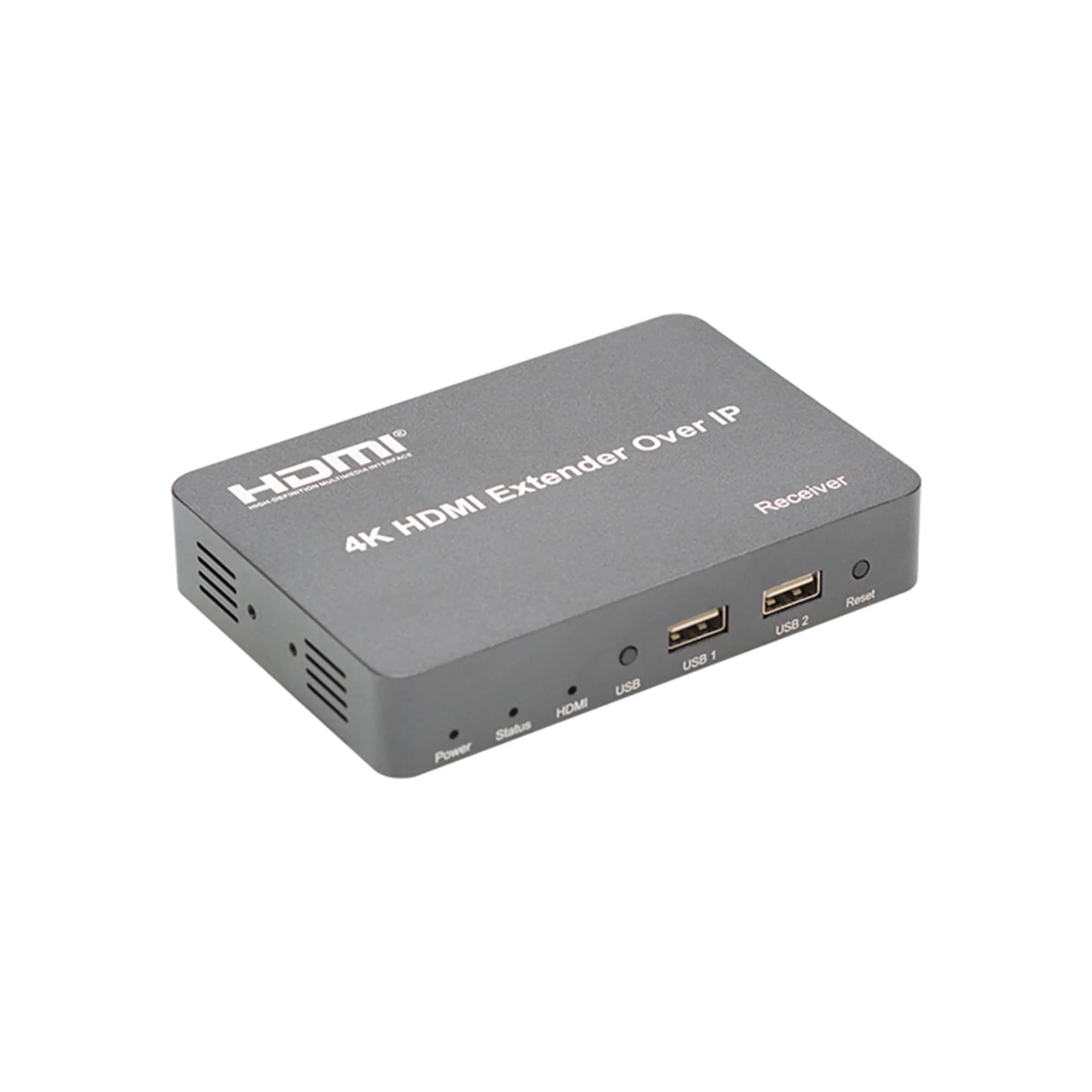
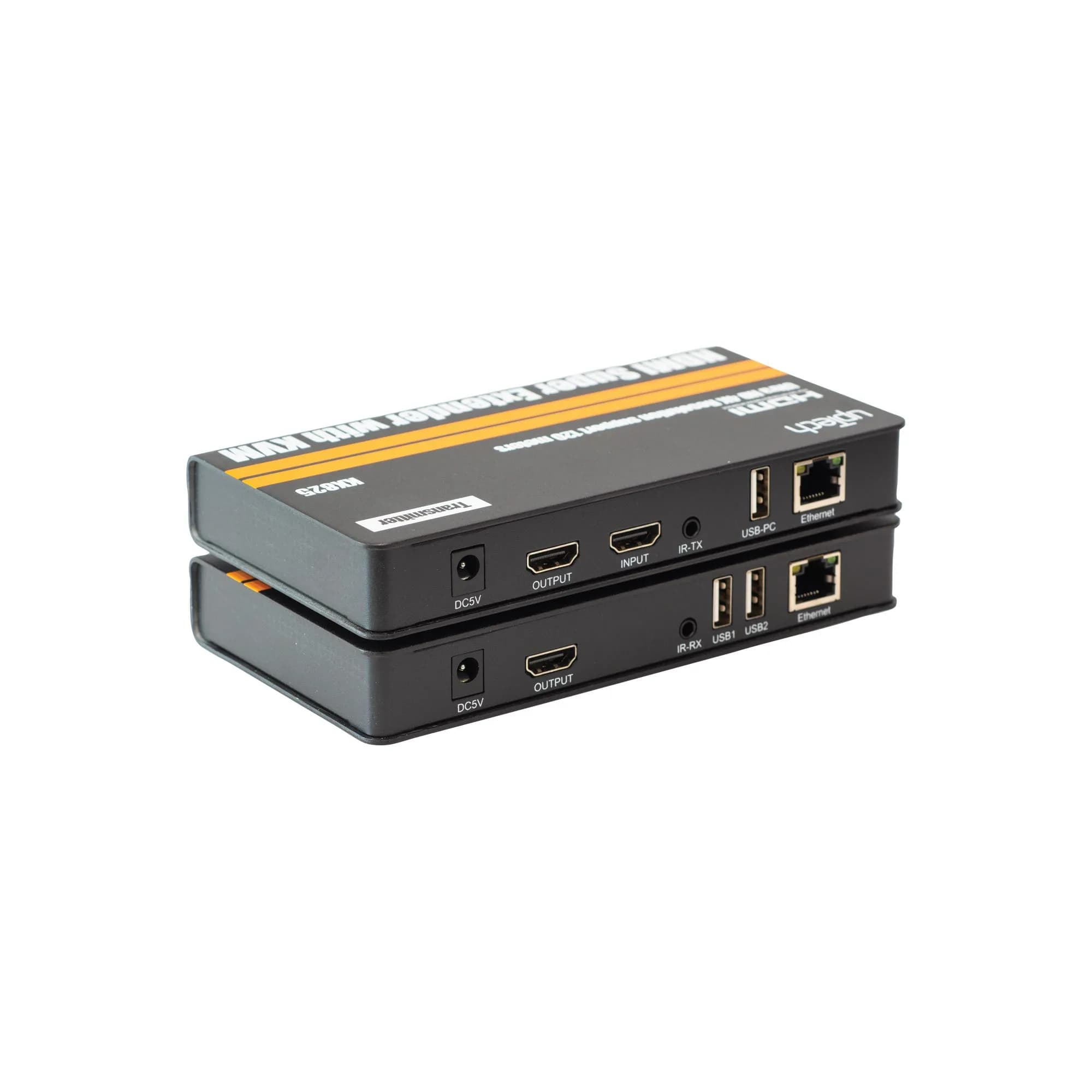
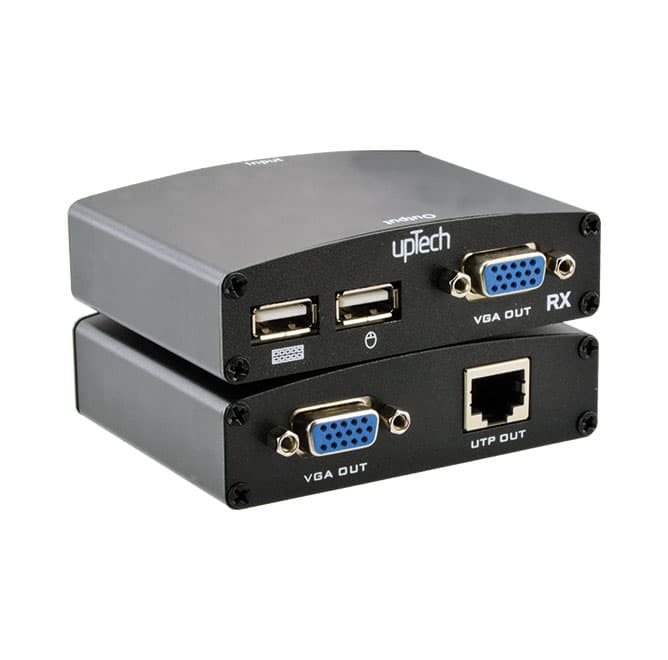
Extender, 60 metreye kadar yüksek tanımlı sinyal ileterek maliyeti düşürmek için HDMI kablosu yerine tek cat5e veya cat6
(önerilen) kablolar kullanır. Extender, yüksek tanımlı sinyalin uzun mesafeli iletimi için tasarlanmıştır
• Yüksek video çözünürlüğü 1080p/60Hz
• 60M uzun mesafe iletimi
• Düşük güç tüketimi, düşük sıcaklık ve yüksek güvenlik
• Hem TX hem de RX, 3.5MM sol ve sağ ses çıkışını desteği
• IR kontrol desteği
• USB mause ve klavye uzantısını desteği
Bağlantı ve Çalıştırma
• Kaynak cihaz ile TX Extender arasına bir HDMI kablosu bağlayın maks. kablo mesafesi 10 mt.
• Ekran cihazı ile RX Extender arasında bir HDMI kablosu bağlayın maks. kablo mesafesi 15 mt.
• TX ve RX Extender arasındaki HDMI kabloları yerine tek cat-5e veya cat-6 kabloları bağlayın, maks.kablo mesafesi 60 mt.
• 5V güç kaynağını TX ve RX'e bağlayın.
Led Gösterge Işığı
• TX LED gösterge ışığı: Açın, yeşil ışık; sinyal girişi olduğunda sarı ışık yanıp söner.
• RX LED gösterge ışığı: Çalıştırın, yeşil ışık; sinyal girişi olduğunda sarı ışık yanıp söner.
• EDID Düğmesi: EDID düğmesi, 720p ve 1080p arasında geçişini destekleyebilir (Güç açıkken 1080p varsayılan EDID'dir).
• IR alıcı kablosunu alıcıya takın ve IR alıcı kablosuna ihtiyacınız varsa IR verici kablosunu vericiye takın.
• Mouse ve klavyeyi alıcının iki USB bağlantı noktasına takın ve KVM kontrol işlevine ihtiyacınız varsa vericinin USB bağlantı noktasını bilgisayara bağlayın.