Artikelnummer: HDMI1108
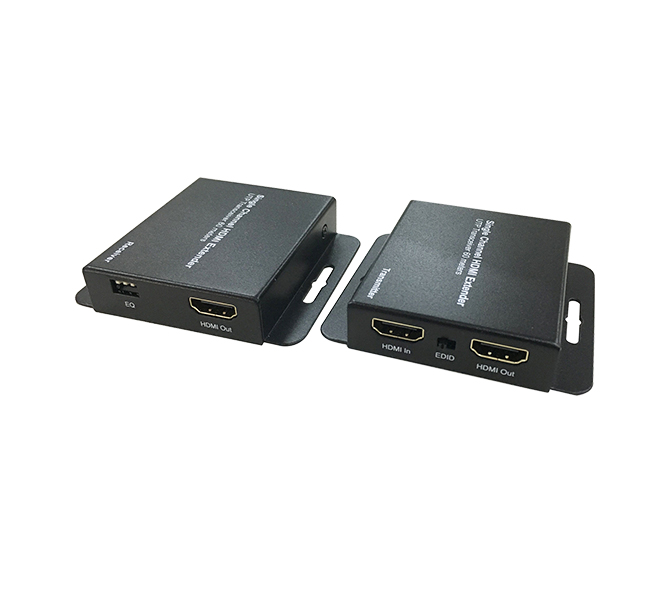
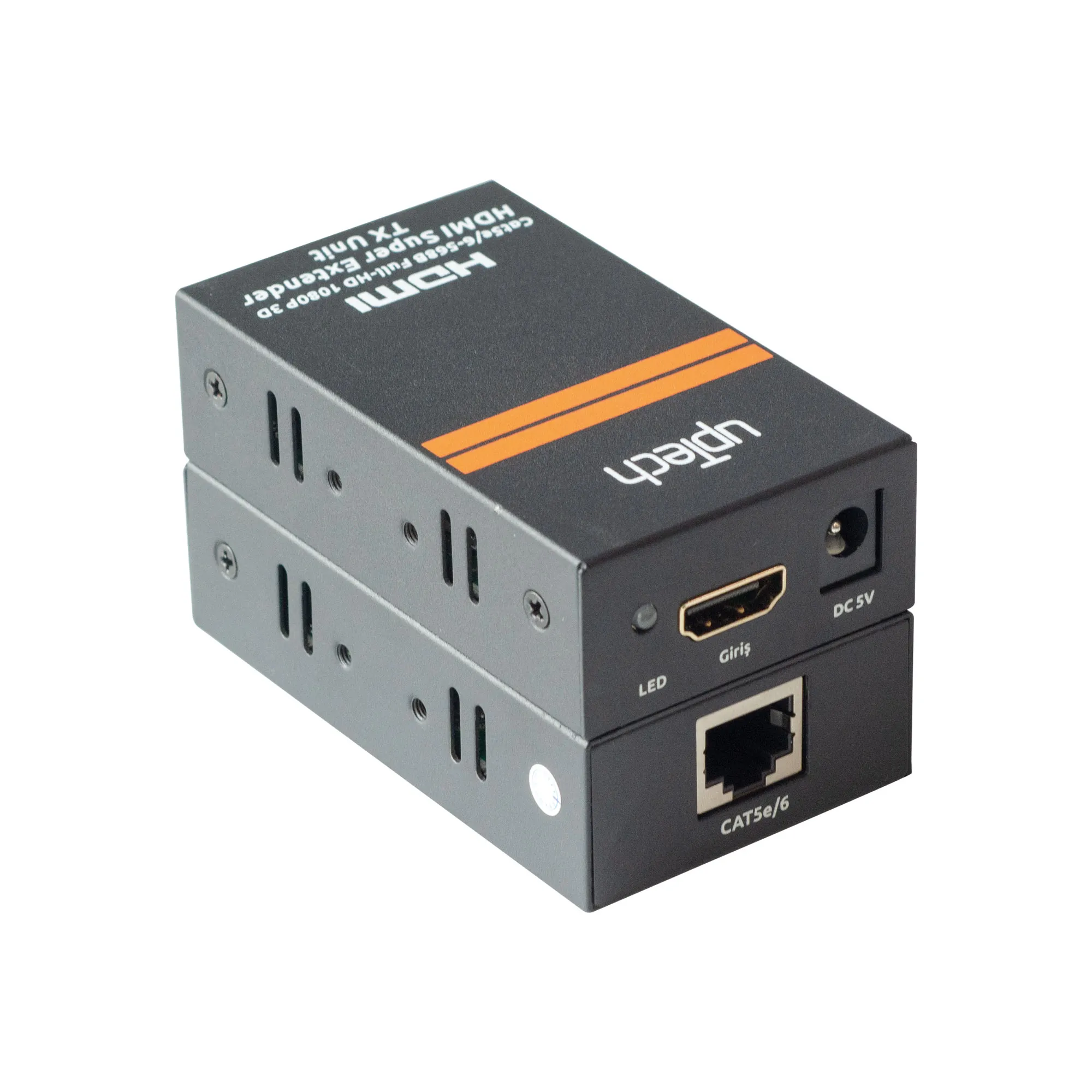
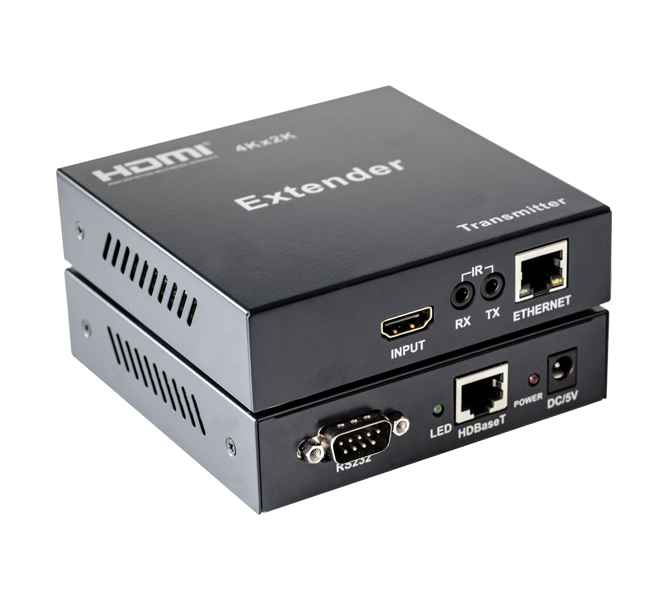
Connect an HDMI cable between the source device and the TX Extender (maximum cable length: 10 meters).
Connect an HDMI cable between the display device and the RX Extender (maximum cable length: 10 meters).
Between the TX and RX Extenders, replace HDMI cables with a single CAT5e or CAT6 cable (recommended) for distances up to 100 meters.
Connect the 5V power supply to both TX and RX units.
LED Indicator Lights:
TX LED: Blue when no signal is detected; turns red and flashes when a signal is present.
RX LED: Blue when no signal is detected; turns red and flashes when a signal is present.
EDID Button: Allows switching between 1080P and 4K EDID. (With power on, the default EDID is 4K)